
This is such a common question many FTC teams face when the clock is ticking…
Bootstrapping a robot in two weeks is absolutely possible, but only if you focus on core functionality, fast iteration, and team coordination.
Here’s a practical, 2-week FTC robot bootstrapping plan…
The goal is not a polished robot, it’s a reliable prototype that can move, score, and iterate fast.
Every day counts, so structure your work
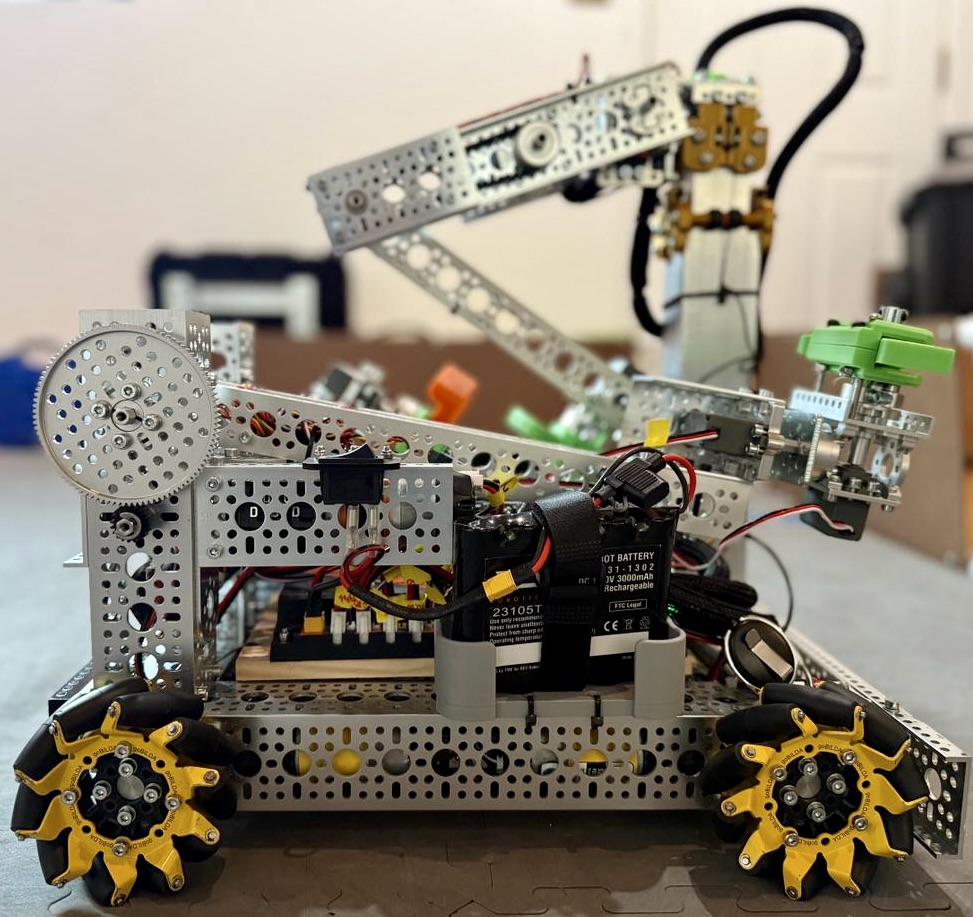
Week 1 – Get Moving, Get Grabbing
- Day 1–2: Game Breakdown + Priorities
- Read the game manual as a team.
- List all tasks (scoring actions, navigation needs).
- Rank by points per second and difficulty.
- Choose 1–2 main scoring objectives (e.g., “pickup + score low,” not everything).
- Sketch your minimum viable robot (MVR), the simplest design that can do that.
- Day 3-4: Drive Train
- Build your drivetrain (use kitbot chassis or your team’s go-to base).
- Make sure it’s:
- Square and mechanically sound.
- Electronics mounted cleanly (REV hub, battery, power switch accessible).
- Driveable via TeleOp — even with placeholder code.
- Day 5–6: Intake or Scoring Mechanism (Prototype)
- Focus on one core mechanism that interacts with game elements.
- Use REV extrusion, polycarbonate, zip ties, tape, speed > polish.
- Mount it so it’s modular (can be swapped out easily).
- Day 7: Integration & Code Setup
- Connect motor/servo to hub and code quick TeleOp controls.
- Use named hardware (avoid “motor0” chaos).
- Test motion, limits, and response times.
- Save a backup copy of working code!
Week 2 – Make It Reliable, Smart, and Efficient
- Day 8–9: Autonomy Foundations
- Set up IMU + encoders for precise driving.
- Write one simple autonomous route (even if it’s just forward + score).
- Add AprilTag or color sensor detection if possible.
- Day 10–11: Refinement + Testing
- Improve alignment, grip, and timing.
- Run 10+ driver test cycles per subsystem.
- Identify and fix mechanical jams or drift.
- Add driver aids (servo presets, automation buttons).
- Day 12–13: Fail-Safe + Recovery
- Add safety stops, zeroing positions, and limit checks.
- Make sure wiring is secure and labeled.
- Keep two copies of working code on GitHub or USB.
- Day 14: Full System Test / Scrimmage
- Run mock matches under timed conditions.
- Log issues: what overheats, slips, jams, or disconnects.
- Celebrate progress — note next upgrade goals.